
Sometimes, you may have a user account named Admin or any other but not the user Account Administrator
In that case, you may want to activate or enable Administrator account.
Please follow the simple steps: -
- Open CMD (Command Prompt) as admin
- Perform this red marked command: net user administrator /active:yes and hit enter
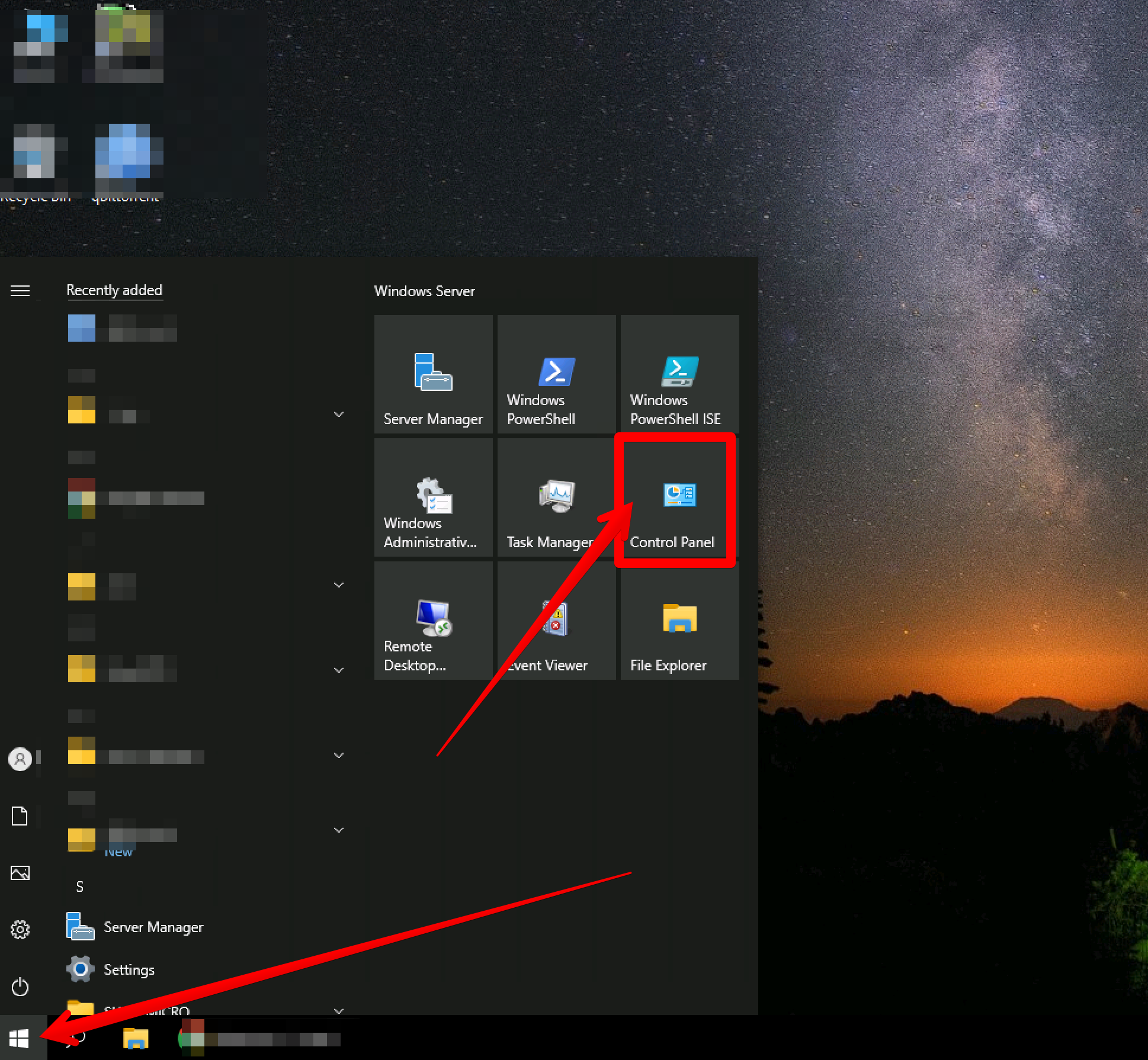
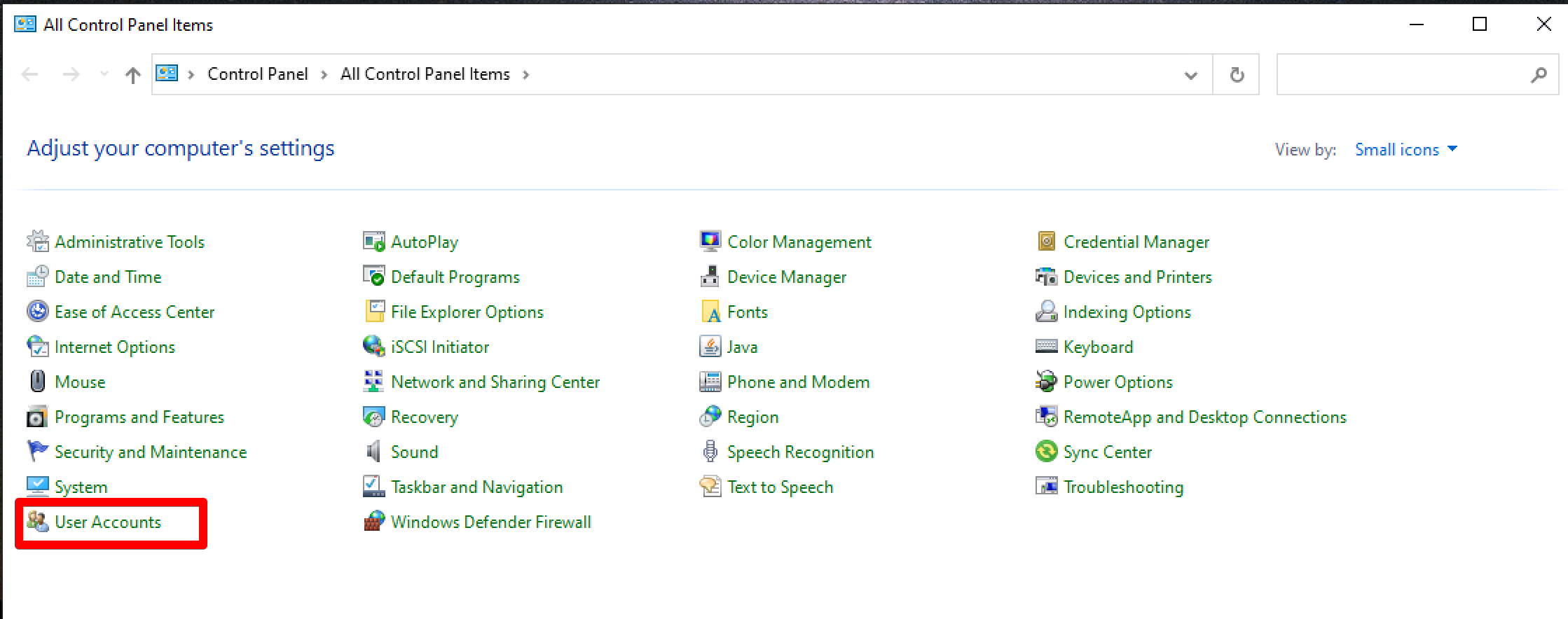
You can verify this by going to the User Accounts option.
=======
======
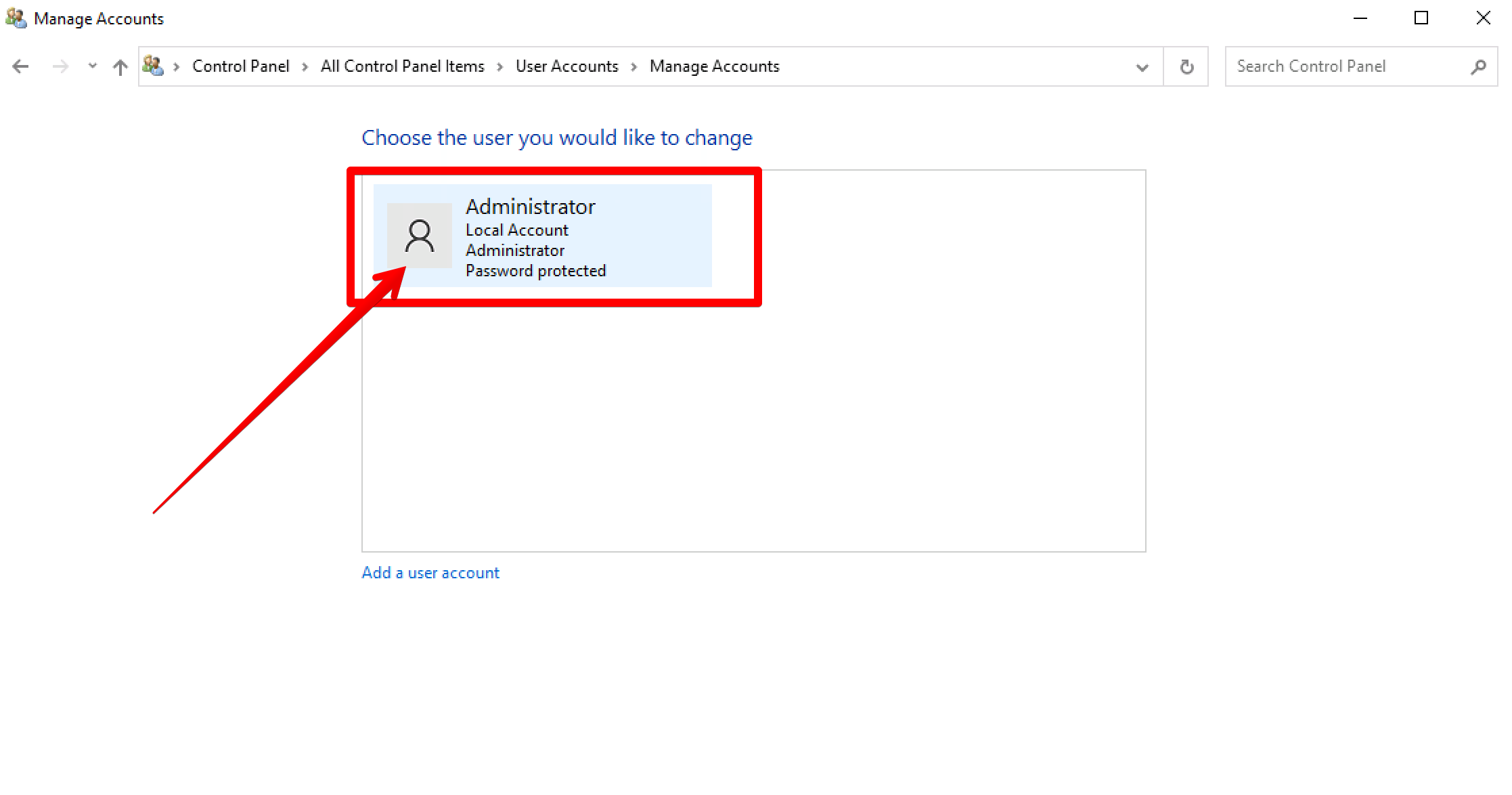
Now, You can configure the Administrator user according to your desire like setting up the password and other things.
That is it.