
If you face > C:\Windows\System32\rundll32.exe related errors, please follow the below instruction: -
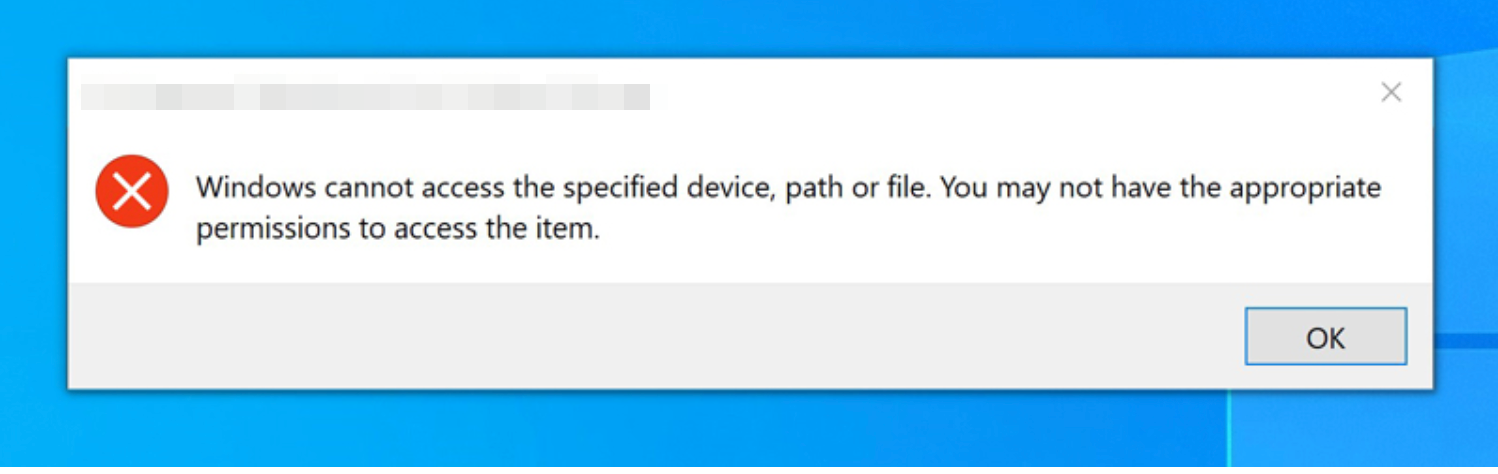
Windows cannot access the specified device, path, or file. You may not have the appropriate permissions to access the item.
Press Windows Key + R to open Run
Please run gpedit.msc to open Group Policy Editor, then switch to Computer Configuration—> Windows Settings—> Security Settings —> Local Policies—> Security Options, then enable “User Account Control: Admin Approval Mode for the Built-in Administrator account”, after all restart Windows to take effect.
Credit: https://community.spiceworks.com